В 2026 году SAMPLEX открыл
шоурум в Москве, где представлены уникальные LED-решения бренда
Запись в шоурум
Приходите лично увидеть впечатляющие характеристики экранов SAMPLEX Wallpaрer и обсудить ваш проект
Москва, ул. Тимирязевская, 1, БЦ «Премьер»

СМИ о нас

  • Samplex представил LED-экраны нового поколения на Light+Audio Tec 2026
    03.10.2026
    ЧИТАТЬ
  • 10 мм: новый стандарт проектирования LED-экранов
    23.09.2026
    ЧИТАТЬ
  • Кубик Медиа — партнёр Samplex в направлении Digital Signage
    03.09.2026
    ЧИТАТЬ
  • Доступная утонченность Samplex Technology
    14.08.2026
    ЧИТАТЬ
  • В России стала доступна новая технология ультратонких LED-экранов Samplex
    10.08.2026
    ЧИТАТЬ
  • Легко и удобно: LED-экраны Samplex Wallpaper
    07.08.2026
    ЧИТАТЬ
Company news
We publish our latest news, upcoming events, and special offers
    СМИ о нас
    27.01.2026
    Charity Website Launched Pro Bono to Support Green Hope
    Our team has designed and developed a new website for the local charity "Green Hope," focusing on accessibility and clear donation pathways.
    27.01.2026
    Studio Launches New Video Series Showcasing Creative Process
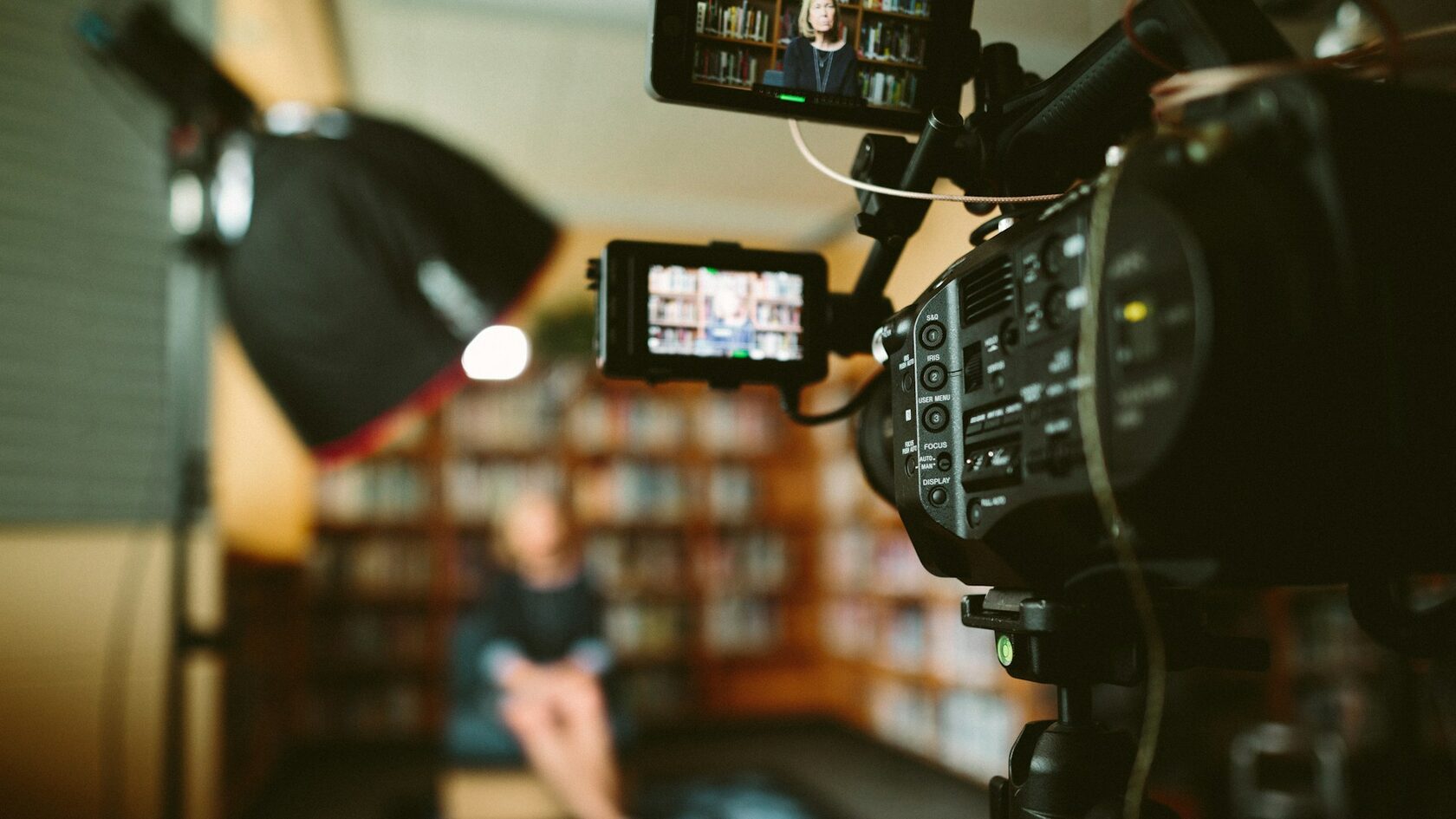
    A new video series reveals our creative process—from initial sketches to final prototypes and client collaboration.
    27.01.2026
    Studio Becomes Official Design Partner for Launchpad Incubator
    We’re now the official design partner for Launchpad Incubator, offering branding and UX support to their tech startups.
    27.01.2026
    Studio Wins EcoSpace Award for Sustainable Interior Design
    Our studio’s interior has won the EcoSpace Award for sustainable design, using recycled materials and energy-saving systems.
    27.01.2026
    Studio Launches New Podcast Exploring Design and Human Behavior
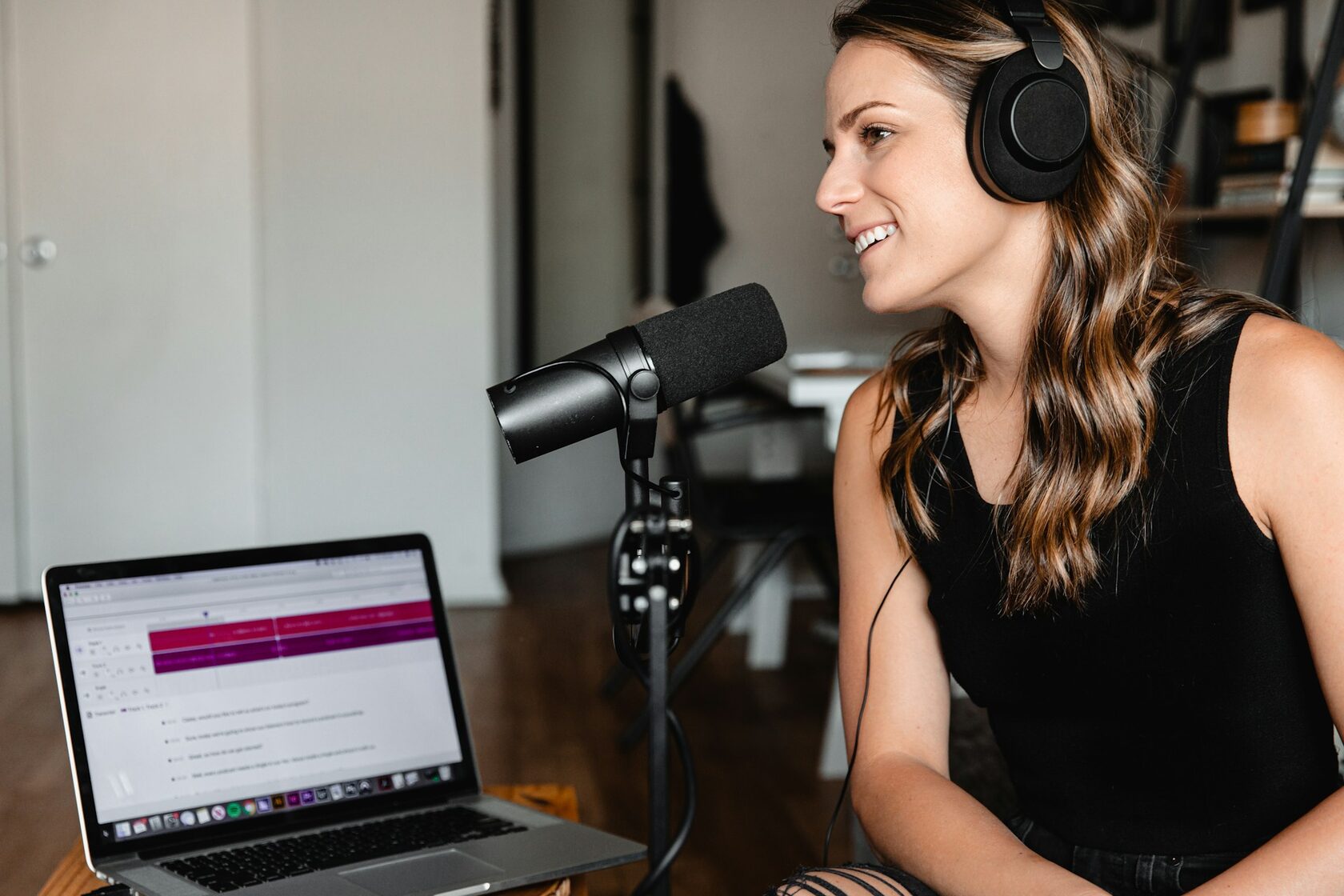
    We’ve launched a podcast exploring design psychology, ethics, and future trends with industry leaders and thinkers.
    29.01.2026
    Turning Data into Story: New Impact Report Released for Global NGO
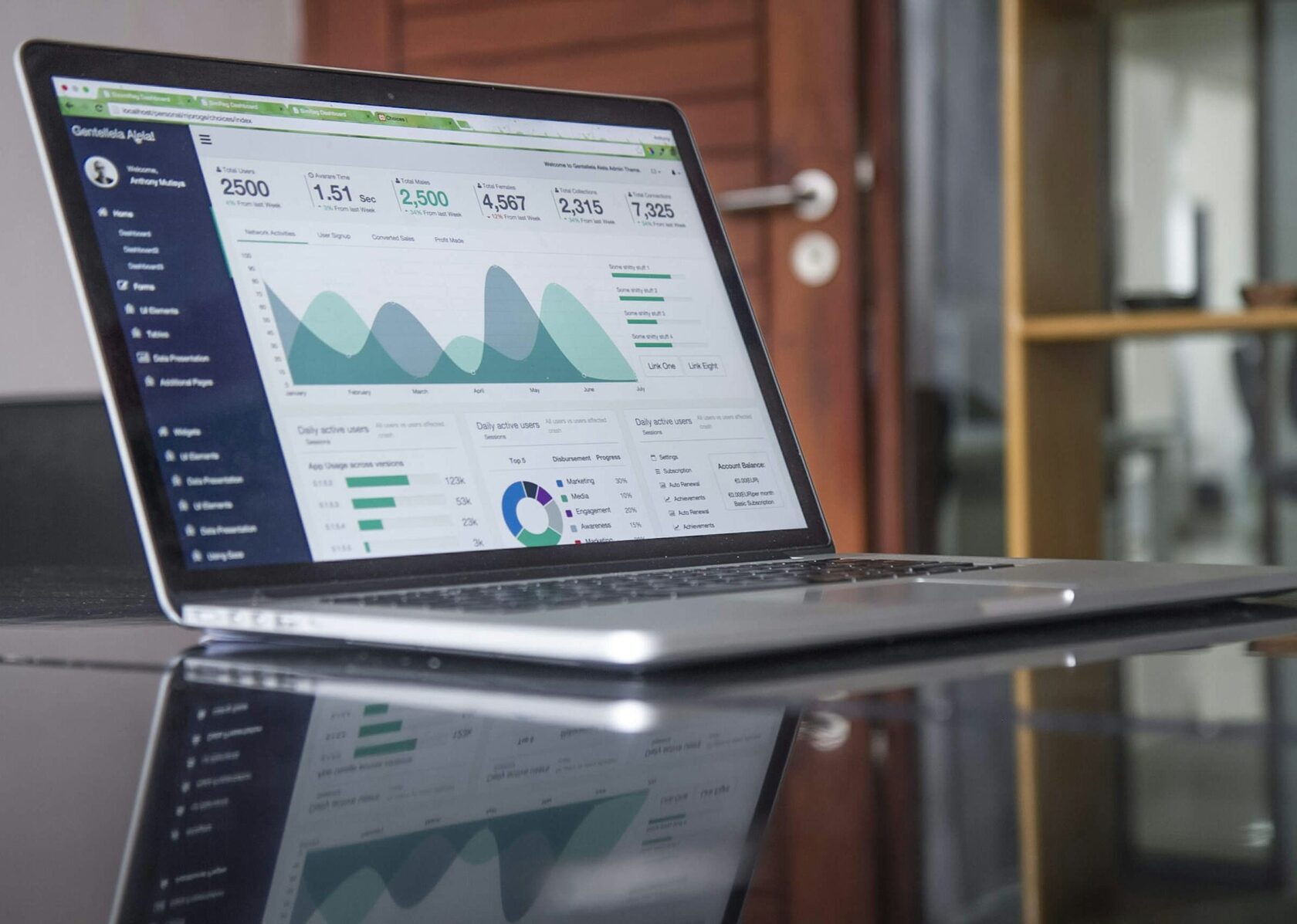
    We’ve created the annual report for a global NGO, turning complex data into a clear, visual narrative of their worldwide work.
    Set Up the Feed Tile
    Use this block to create a custom tile for your Feed. Configure it before publishing the page.
    How to set it up:
    1. Open Block Editor and select the layers containing the tiles in the Layers panel.
    2. In the Feed settings, select your Feed in the Source field.
    3. Select an element you want to connect to the Feed content. In the element settings, choose the corresponding Feed field. Repeat for all required elements.

    For detailed instructions, see the Help Center.